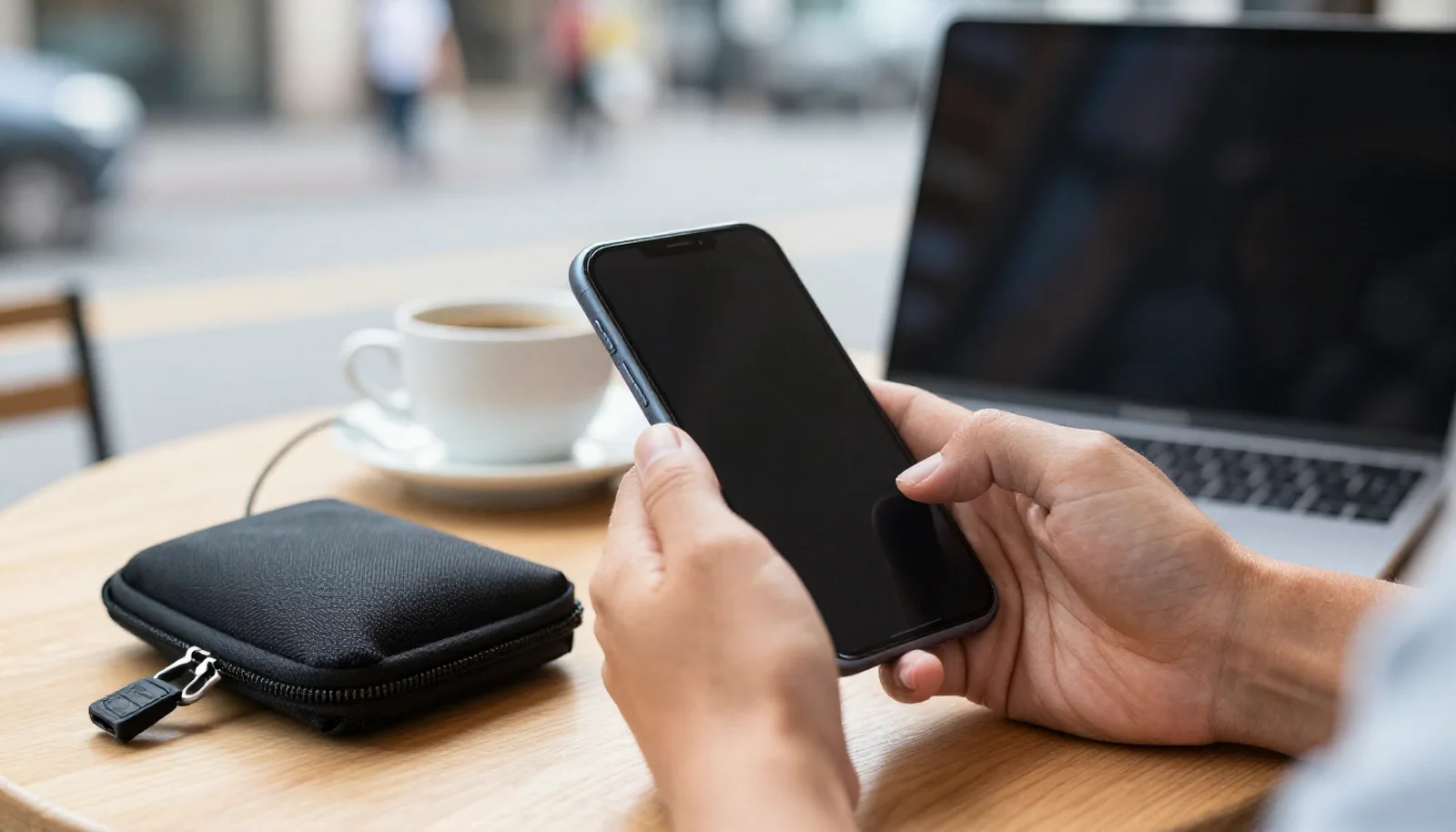
To keep your devices safe while travelling, prepare them before you leave and stay alert on the road. Set a strong screen lock, turn on two-step verification, back up your data, switch on the find-my-device feature and save backup codes so you can still reach your accounts if your phone is lost. On the road, keep devices close, avoid public charging points and know the steps to take if something goes missing.
Your phone is often your map, ticket, wallet and camera at once, and your laptop may hold photos and files you cannot replace. Losing either on a trip is stressful, but a little preparation limits most of the damage. This guide covers the devices and the data on them; mobile data, roaming and public Wi-Fi have their own guide on staying connected abroad.
What should you do before you leave?
Most of the protection happens at home, in the days before your trip. Go through this list on every phone, tablet and laptop you plan to take:
- Set a strong screen lock. Use a long PIN or a password rather than a short code or a simple pattern, and let the screen lock automatically after a short time. Fingerprint or face unlock is convenient, but the code behind it should still be strong.
- Update everything. Install the latest system and app updates before you go, since they often fix security problems.
- Turn on two-step verification. Enable it for your email, cloud storage, banking and social media accounts. Your email account matters most, because it is usually how other passwords are reset.
- Back up your data. Make a full backup of your phone and laptop before the trip, and check that automatic backup keeps running while you travel, so new photos are saved too.
- Switch on the find-my-device feature. Most phones, tablets and laptops have a built-in option to locate, lock or erase the device remotely. Turn it on and make sure you know how to sign in to it from another device.
- Encrypt your laptop. Many laptops offer full-disk encryption in their settings. With it turned on, someone who takes the laptop cannot simply read the files on it.
How can you still reach your accounts if your phone is lost?
Two-step verification protects your accounts, but it can also lock you out if the codes arrive on the phone you have just lost. Plan a second way in before you travel:
- Save backup codes. Many services offer a set of one-time backup codes. Print them or write them down and keep them separate from your phone, for example in your luggage or with someone you trust at home.
- Add a second method. Where possible, add another verification option, such as a second device or a security key, and check that your recovery email address and phone number are up to date.
- Know your key passwords. Make sure you can sign in to your email and your find-my-device account without your phone. If you use a password manager, check how you would open it on another device.
Test this at home by signing in to your email on another device using only your backup method. Fixing a problem now is far easier than abroad.
Keeping encrypted copies of important documents
Copies of your passport, visas, insurance policy and booking confirmations can save a lot of time if a device or bag goes missing. Keep scans or photos in an encrypted folder or a secure cloud account protected by two-step verification, so you can open them from any device. Avoid leaving them in your ordinary photo gallery, where anyone holding your unlocked phone could see them. A paper copy kept apart from the originals is a useful extra backup.
How do you keep devices safe on the road?
Most devices are not taken by skilled thieves but picked up in a moment of distraction. A few simple habits help a lot:
- Do not leave your phone on the table. In cafés and restaurants, a phone next to your cup is easy to take, especially at outdoor tables. Keep it in a closed pocket or bag.
- Stay alert in cafés and on trains. Do not leave a laptop unattended while you order or step away. On trains and buses, keep the bag with your valuables on your lap or within sight, and take extra care near the doors.
- Use the room safe or keep it with you. In your hotel room, put devices you are not using in the safe if there is one. If there is no safe, or you do not trust it, carry your most important device with you.
Why avoid public charging stations?
USB charging points at airports, stations and cafés are convenient, but security advice often recommends caution, because a USB connection can carry data as well as power and you cannot see what is behind the socket. The simplest approach is to bring your own charger and plug it into a normal wall socket, or to carry a power bank so you rarely need public charging at all. If you must use a public USB port, a charge-only cable or a data-blocking adapter is an option, and do not accept a prompt asking whether to trust the connected device.
Can your devices be inspected at the border?
In some countries, border officials can inspect phones, laptops and other devices, and in some cases ask you to unlock them. The rules differ from country to country and can change, so check official government information for your destination before you go. A sensible approach for any trip is to carry only the data you need, sign out of accounts you will not use on the way, and make sure everything important is backed up at home. This guide cannot tell you what your rights are at a particular border; if you have concerns, look for official or legal advice.
What to do if a device is lost or stolen
If your phone or laptop goes missing, act quickly and roughly in this order:
- Check its location. Sign in to your find-my-device account on another device and see where it was last located. If it is somewhere you have just been, such as a café or a taxi, contact them. Do not try to get it back yourself from someone you suspect took it; tell the police instead.
- Lock it remotely. Put the device into lost mode or lock it, and add a message with a contact number if the option exists.
- Erase it if you will not get it back. If the device is clearly stolen or cannot be recovered, use remote erase to delete your data. On some devices you can no longer locate it after erasing, so lock first and erase when you are sure.
- Call your mobile operator. Ask them to block your SIM card or eSIM so nobody can use your number, and ask about a replacement.
- Change your passwords. Start with your email, then banking, cloud storage and social media. Sign the lost device out of your accounts and tell your bank if banking apps were installed.
- Report it to the police. Ask for a written report or a reference number, and give the device's serial number or IMEI if you have it saved.
- Contact your insurer. If your travel or device insurance covers loss or theft, report it as soon as possible and ask which documents they need. Keep receipts for anything you have to replace.
Losing your phone while travelling alone can feel isolating, because it is also how you stay in touch. On mytripdate you can see who is in the same city on the same dates and send them a message, which can help you find local tips or simply someone to talk to. Keep the usual care: chat on the site first, look for a verified profile, meet in a public place, and never hand over your device or share your passwords.
Frequently asked questions
Should I erase my phone as soon as it is lost?
Not always. Locking it first means you can keep trying to locate it. Erase it once it is clearly stolen or you no longer expect to get it back.
Is the hotel safe secure enough for my laptop?
A room safe is usually better than leaving a laptop out, but it is not a guarantee. Keep the laptop encrypted and backed up, and carry anything you cannot afford to lose.
Do I need a power bank when I travel?
It is not essential, but it is useful. It reduces the need for public charging points and keeps your phone working on long travel days.
What if I cannot receive verification codes abroad?
Use the backup codes you saved or another verification method you set up before the trip. That is why it is worth preparing a second way in before you leave.